
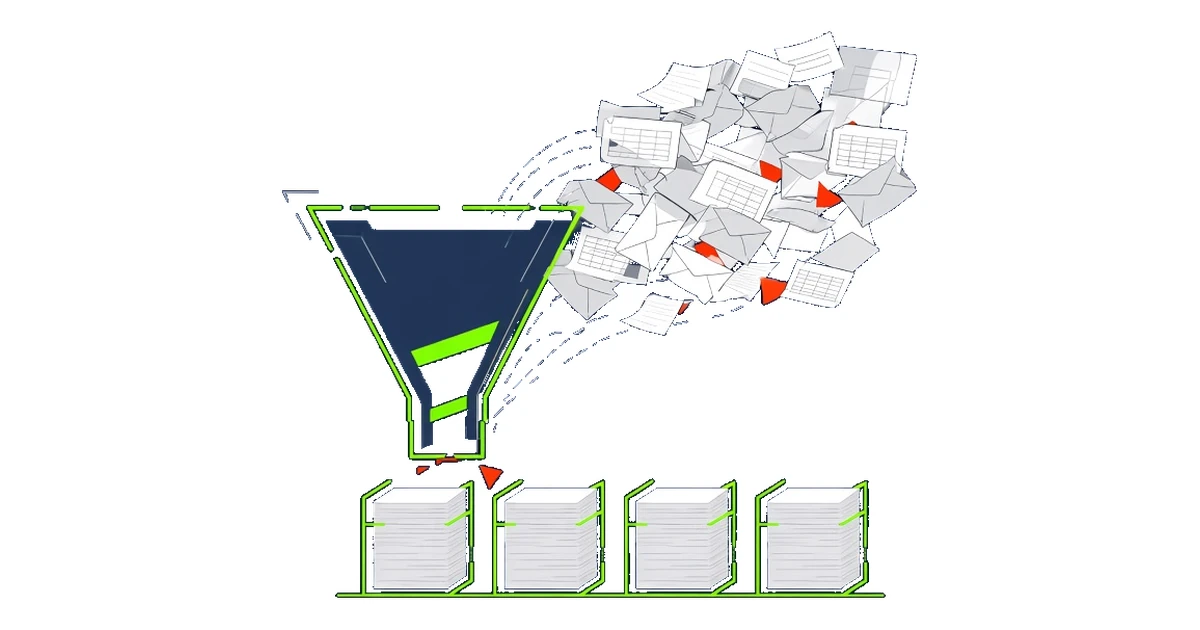
Most automation projects are designed around a tidy picture of the work. A document arrives, the system reads it, the data goes where it should. The diagram in the project plan has neat boxes and straight arrows.
Then the real inputs turn up. Invoices as PDFs, scans and photos taken on a phone. Orders in the body of an email, in an attachment and occasionally in both, with different quantities. Supplier forms that changed layout last spring. Spreadsheets where column F means something different depending on who filled it in.
In my experience, this is where automation projects slow down, overrun or quietly fail. The process logic is usually sound. The trouble is that nobody looked properly at what was actually coming in.
Look at the inputs before you design the process
Before automating anything that handles documents or data, I want to see a real sample. A few hundred items from a normal month, including the awkward ones. Then we sort them.
What types of document are there, really? Often a team will say "we get invoices" and the sample shows five or six distinct kinds: standard supplier invoices, credit notes, pro formas, statements that look like invoices, and a handful of things nobody can categorise at all. Each one needs different handling, and a system that treats them all the same will make confident mistakes.
How consistent is each type? Some arrive from a handful of large suppliers in a fixed format. Others come from a long tail of small senders, each with their own layout. Those two groups need different approaches, and the split between them often decides whether a project is worth doing.
What is missing, wrong or ambiguous? Purchase order numbers left blank. Dates in two formats. A customer name that matches three records in the CRM. These are the cases that generate exceptions, and exceptions are where the cost of an automated process actually sits.
Classification is the first piece of automation
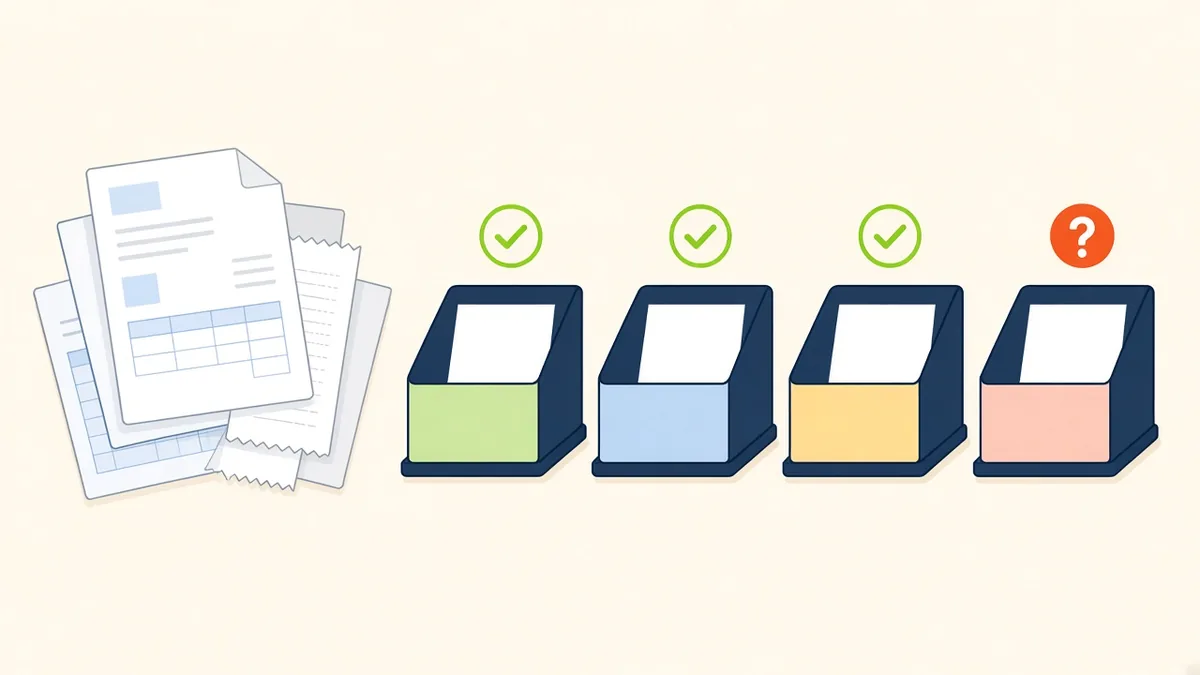
Once you understand the mix, classifying inputs becomes a step in its own right, and often the most valuable one. Knowing what something is, before trying to extract anything from it, lets you route it properly. Standard items go straight through. Known variations go to a rule built for them. Genuine unknowns go to a person, with the context they need to deal with them quickly.
Modern document capture and AI tools are good at this, far better than the template-based systems of a few years ago. They still work best when someone has decided what the categories are, what good looks like for each one and what should happen when the tool is unsure. That is a business decision, and it needs people who know the work.
"Decide what each input is before you decide what to do with it."
Fix what you can upstream
Sorting the inputs also shows you where to stop the mess at source. Some of it is unavoidable. You cannot make every supplier use the same invoice layout. A surprising amount can be prevented, though.
A web form that replaces free-text emails for a common request. A required field for the purchase order number. One shared definition of a customer, agreed between sales and finance. A short note to your ten largest suppliers asking them to send invoices to one address in one format. None of these are technology projects, and each one removes a category of exception before the automation ever sees it.
Measure the exceptions
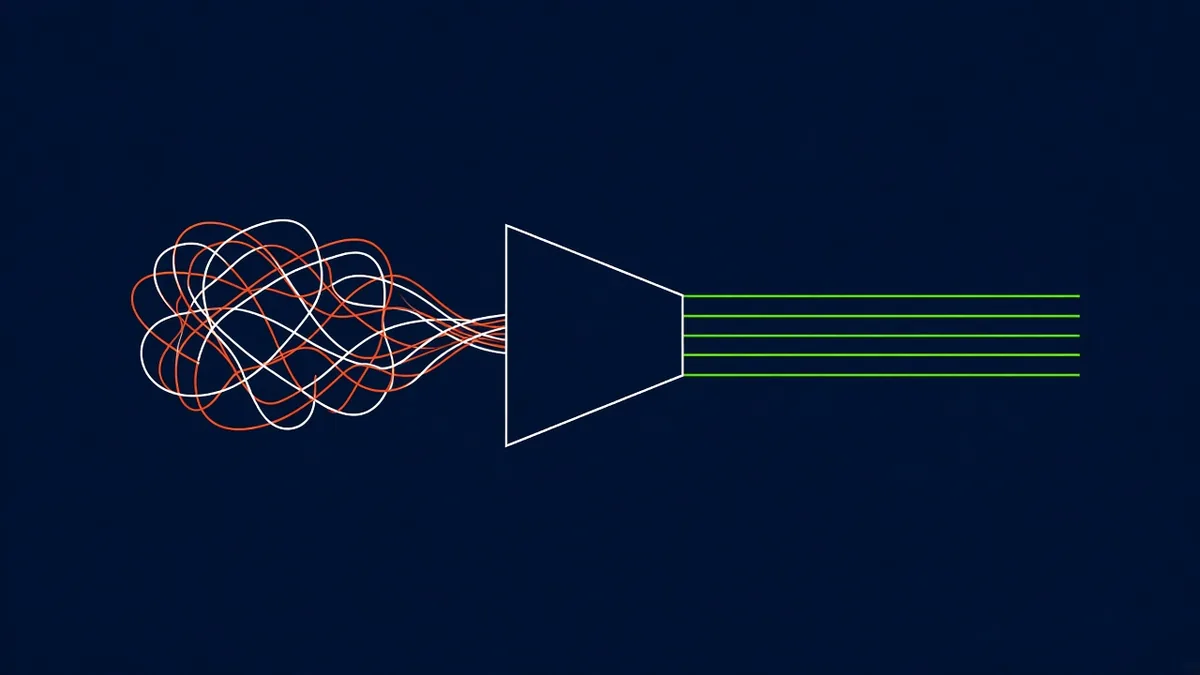
When automation goes live, most teams track how many items went through untouched. That number is useful, but it hides the more important one: how much human effort the exceptions still take, and why they happen.
Track exceptions by cause. Missing data, unknown document type, mismatch with a system record, low confidence from the tool. Review them every few weeks with the people handling them. Each cause points either to a rule that needs adjusting or to an input that could be cleaned up at source. Over time the exception rate falls, and it falls for reasons you understand.
The projects that deliver steady results are the ones that respect the inputs. They map the real variety, classify it, clean what they can and design the automation for what is left. The tidy diagram comes last, and it is accurate when it arrives.